How to Route MultiFollow Linkedin and X Watchlist Alerts to Slack, Clay, n8n, or Zapier
A sales signal only matters if it lands where your team already works. Reading an email digest tomorrow is trivia. A Slack ping in #signals-outbound while the thread is still empty, or a new Clay row your workflow can enrich in the same minute, is pipeline.
We build MultiFollow, so here is the honest product shape up front. MultiFollow is anonymous Linkedin and X (Twitter) account activity tracking: you paste profile URLs (or CSV-import on Business+), and we fire a trigger when those accounts post, comment, or (on Linkedin people) like. Delivery is email on every plan, plus Slack and API webhooks on Business and above, so you can pipe JSON into Clay, n8n, Zapier, Make, or a CRM. This post is a practical how-to for that last mile. It is not a competitor comparison.
If you want the Clay-specific templates (prospect outreach, competitor battlecard, keyword-scored leads), use our Clay templates guide. If you want longer Zapier and n8n use cases from an earlier write-up, see Automating social media activity tracking with Zapier and n8n. Below is the shared setup path: watchlist first, then pick one delivery channel.
What you are wiring (and what you are not)
Job to be done: get named-watchlist events into the GTM tools you already use, without living inside Linkedin or X.
What MultiFollow sends when activity is detected:
Field
Meaning
platform
linkedin or twitter
profile_url
The tracked account that fired
query
Tracker config in plain words (URL, activity types, keyword filters)
datetime
Detection time (RFC3339)
link
Direct URL to the post, comment, or like
activity_type
post, comment, or like
content
Full post/comment text (empty for likes)
Example JSON payload (same shape for Clay, n8n, Zapier, or any webhook URL):
{
    "platform": "linkedin",
    "profile_url": "https://www.linkedin.com/in/erikatrautman/",
    "query": "URL: https://www.linkedin.com/in/erikatrautman/. Track posts. Track comments. Track likes.",
    "datetime": "2025-01-19T05:52:00Z",
    "link": "https://www.linkedin.com/posts/erikatrautman_vice-president-strategy-and-business-operations-activity-7272270503808000000-OxBb",
    "content": "I've got two more great leadership positions I'm filling! I am so inspired by the vision and the culture here at Sprout. So come join me to transform how companies leverage social media to connect with their customers.",
    "activity_type": "post"
}
Honest limits before you copy-paste anything:
Linkedin person: posts, comments, likes. Linkedin company / showcase: posts only (not company comments or likes).
X (Twitter): posts and replies. Not likes (private since 2024).
Email works on Free and Essential. Slack incoming webhooks and API webhooks need Business or above.
We do not ship native HubSpot or Salesforce apps. If your CRM accepts a custom POST, the webhook is the integration.
Keyword include/exclude (up to 10 each per tracker) filters posts and comments. Likes have no text, so keywords will not quiet them.
Freshness on paid plans is near real-time: typically a couple of seconds after we detect the activity, up to about a minute if congested. Free is best-effort.
For tracker fields and supported URL formats, see the Trackers docs. For payload and account-level vs per-tracker webhook behavior, see API webhooks.
Prospects (Linkedin people): posts + comments, and likes only if you accept noisier Slack.
Competitor company pages: posts only.
X accounts: posts + replies.
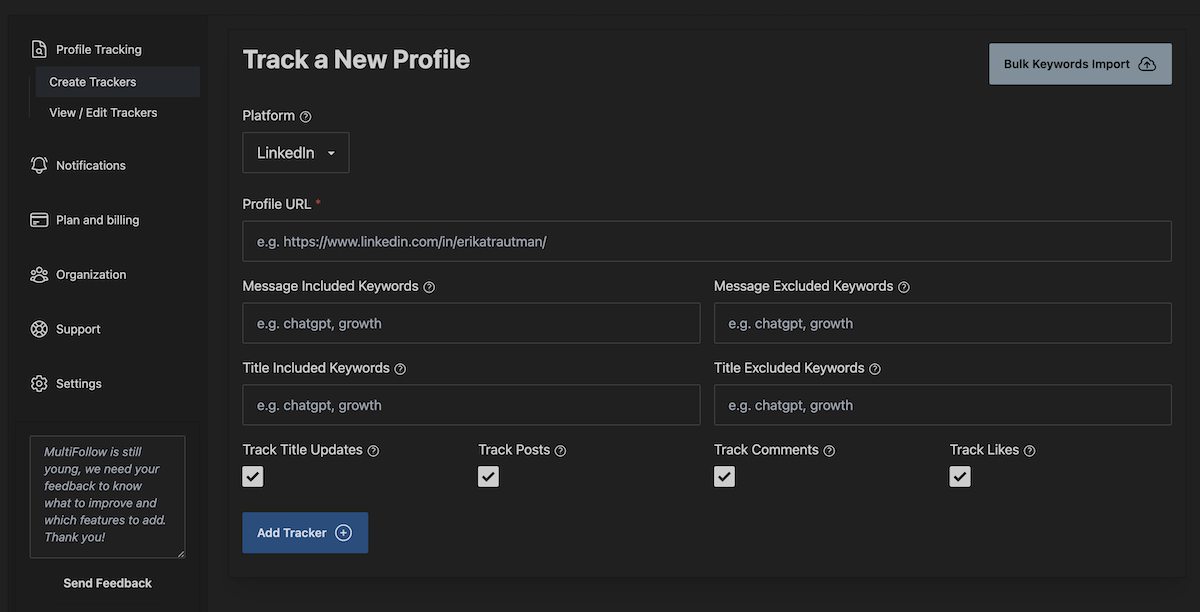
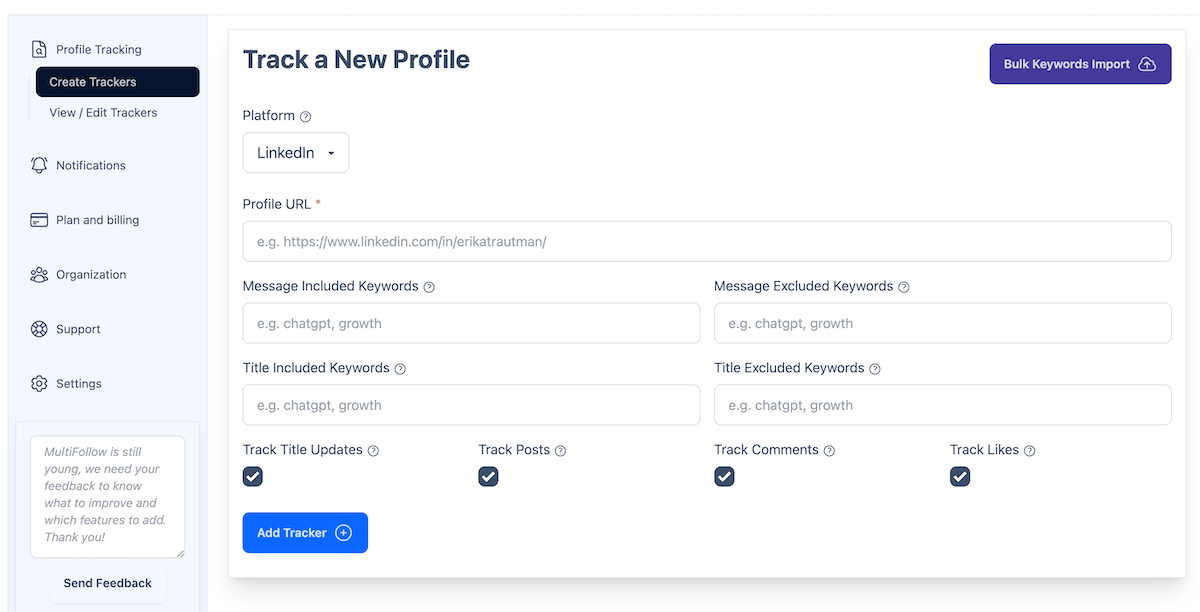
5. Optional: add include keywords (hiring, pricing, RFP, a competitor name) and exclude keywords (webinar, congrats) so Tuesday stays readable.
You can also create or update trackers via the REST API or MCP on Business+, but delivery still goes through email, Slack, or the API webhook. MCP manages the watchlist. It does not stream signals.
Step 2. Choose delivery: email, Slack, or API webhook
Think of three lanes. You can use more than one.
Email (every plan)
Default. Fine for a solo pilot or proving one prospect fires. Email can truncate long content and may group results. Webhooks send one untruncated result per call. If you are building automation, do not stop at email.
Slack incoming webhook (Business+)
Best when the AE lives in Slack and you want a shared team feed.
1. In Slack, create an incoming webhook for the channel you want (for example #signals-outbound).
2. Copy the webhook URL Slack gives you.
3. In MultiFollow, open notification / Slack settings and paste it. Send a test from the dashboard.
4. Optional: set a per-tracker Slack webhook URL so competitor trackers go to #battles-dockwise while prospects stay in #signals-outbound. Per-tracker Slack URLs override the account-level one.
Best when Clay, n8n, Zapier, Make, or a CRM should receive JSON.
1. Create the receiving URL in the destination tool (Clay table webhook, Zapier Catch Hook, n8n Webhook node, or your own endpoint).
2. In MultiFollow, paste that URL into the account-level API webhook setting, or into a per-tracker API webhook URL if you want different trackers to hit different tables or workflows.
3. Send a test webhook from the dashboard and map fields before you trust live traffic.
Per-tracker webhooks take precedence over the account-level URL. Unlimited request volume. TLS in transit. One result per POST, content not truncated.
Step 3a. Route to Slack (team feed)
Once the Slack webhook is saved and a test lands:
Keep include/exclude keywords tight so the channel is readable.
Disable likes on noisy trackers if #signals-outbound turns into a reaction firehose.
Use team management on Business+ so ops and AEs share one feed instead of three private email inboxes.
The Slack message is the alert, not the outreach. Reply on the Linkedin or X thread, then send InMail or email from whatever you already use for messaging.
Step 3b. Route to Clay (no middleware required)
You do not need Zapier or n8n between MultiFollow and Clay. MultiFollow POSTs JSON straight to Clay's table webhook.
1. In Clay, create a table and choose Import data from Webhook. Copy Clay's webhook URL.
2. Paste it into MultiFollow (account-level or per-tracker).
3. Send a test from MultiFollow and map platform, profile_url, query, datetime, link, activity_type, and content to columns.
4. Enrich from profile_url, score or draft from content, then push to your CRM or sequencer.
Tip: point prospect trackers at one Clay table and competitor trackers at another using per-tracker webhook URLs.
4. Create a Clay webhook table (or n8n/Zapier Catch Hook). Paste as API webhook. Send test. Map fields.
5. Bulk-import or paste the rest of this quarter's shortlist. Add keyword filters before you turn likes on for everyone.
6. Act from Slack or Clay. Do not treat MultiFollow as the send button.
Plans that unlock this how-to
Verify live on multifollow.io before you buy. Plans are prorated.
Plan
Price
Linkedin + X trackers
Slack / API webhooks
Free
$0
1 + 2
No (email, best-effort)
Essential
$19/mo
5 + 10
No (near real-time email)
Business
$79/mo
25 + 50
Yes (+ REST API, MCP, bulk CSV, team)
Enterprise
$199/mo
100 + 200
Yes (+ advanced support)
Agency
Custom
Multi-client
Yes
Frequently asked questions
Do I need Zapier or n8n to reach Clay?
No. Paste Clay's webhook URL into MultiFollow. Use Zapier or n8n when you want their destinations or orchestration, not as a tax to reach Clay.
Which plan do I need for Slack or Clay?
Business or above. Free and Essential deliver email only.
Can different trackers go to different Slack channels or Clay tables?
Yes. Set a per-tracker Slack webhook URL or API webhook URL. It overrides the account-level setting for that tracker.
Will people know I am tracking them?
No. MultiFollow does not follow or connect on your behalf. They are not notified. That is the point of an anonymous watchlist versus native follows.
Does MultiFollow truncate webhook content?
No. Email may truncate or group. API webhooks send one full result per request. content is empty for likes.
Can I filter before Slack or Clay sees noise?
Yes. Per-tracker include and exclude keywords (up to 10 each, 2-200 characters). Keywords apply to posts and comments, not likes.
What about keyword listening on Reddit?
Different job. KWatch.io is our keyword-listening sibling across Linkedin, X, Facebook, Reddit, Youtube, and Hacker News. MultiFollow stays a named Linkedin/X activity watchlist.
Start watching
Create a free account, paste one prospect URL, and prove the email. When the team needs the signal in Slack or Clay the same minute it happens, move to Business, paste the webhook, send a test, and only then scale the list.
 MultiFollow.io