How to Bulk-Import a Linkedin and X Watchlist from CSV
Pasting trackers one by one is fine when you are proving the product on Free. It breaks the moment your shortlist is a Clay table, a Sales Navigator export, or a CRM segment with dozens of Linkedin people, company pages, and X handles. You need one file, the right columns, and trackers that wake up already filtered and already pointed at the right Slack channel or Clay table.
We build MultiFollow, so here is the honest shape. MultiFollow is an anonymous Linkedin and X (Twitter) activity watchlist. You give it profile URLs. We fire when those accounts post, comment, or (on Linkedin people) like. Delivery is email on every plan, plus Slack and API webhooks on Business and above. Bulk CSV import is the Business+ path for loading that list in one shot. This post is the setup path, not a competitor comparison.
Bulk import does not invent URLs. If a row is wrong, the tracker is wrong. Clean the list in Clay or a spreadsheet first.
Plans that unlock this how-to
You can create trackers one by one on Free and Essential. CSV bulk import, Slack, API webhooks, REST API, MCP, and team features need Business or above. Verify live on multifollow.io before you buy. Plans are prorated.
Plan
Price
Linkedin + X trackers
Bulk CSV / Slack / API webhooks
Free
$0
1 + 2
No (email, best-effort)
Essential
$19/mo
5 + 10
No (near real-time email)
Business
$79/mo
25 + 50
Yes (+ REST API, MCP, team)
Enterprise
$199/mo
100 + 200
Yes (+ advanced support)
Agency
Custom
Multi-client
Yes
If you are still on Free, paste one high-value Linkedin person, wait for a real post or comment, then upgrade when the shortlist is ready. Do not build a 40-row CSV you cannot import yet.
Step 1. Shape the shortlist before you open the CSV
Start from a list you already trust: open opportunities, a Sales Navigator lead list, a Clay table, or the three competitors that steal deals this quarter. Keep the first import small (10 to 25 rows) so you can spot bad URLs and wrong activity flags.
Put prospect rows and competitor rows in one file if you want, but give them different api webhook url or slack webhook url values so Clay tables and Slack channels stay clean. Same pattern as routing alerts to Slack, Clay, n8n, or Zapier.
Prefer include keywords for buying language (hiring, RFP, a competitor name) and exclude keywords for recurring spam in that person's feed. Details: keyword filter how-to.
File size limit is 10 MB. Hundreds of tracker rows fit easily.
Save as real CSV (UTF-8, comma-separated). Spreadsheet "CSV" exports that use semicolons will fail.
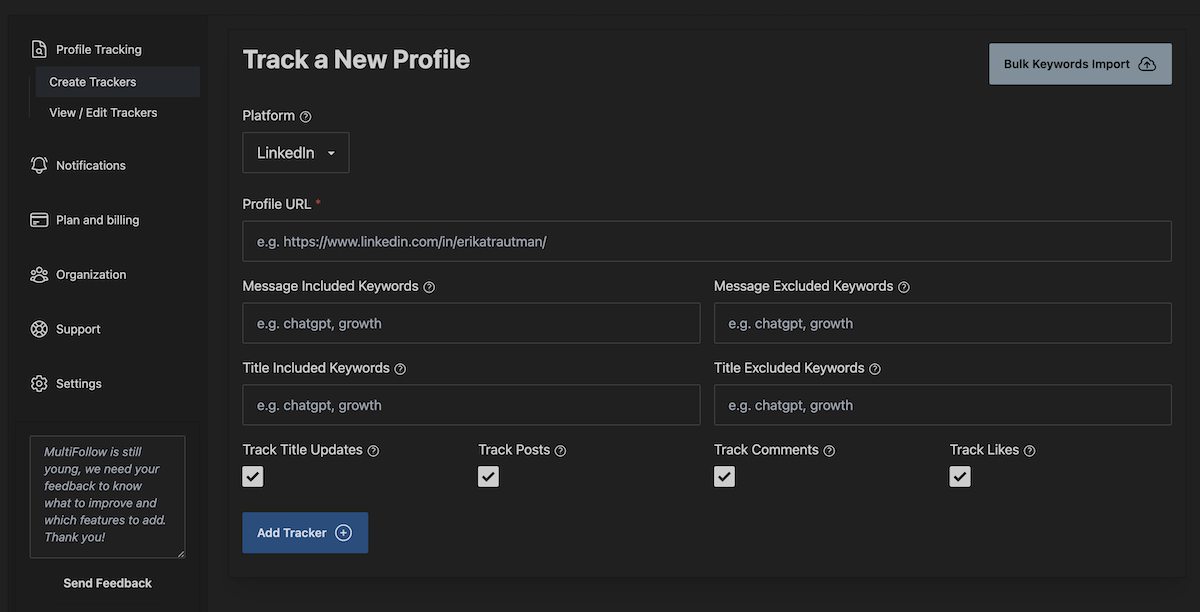
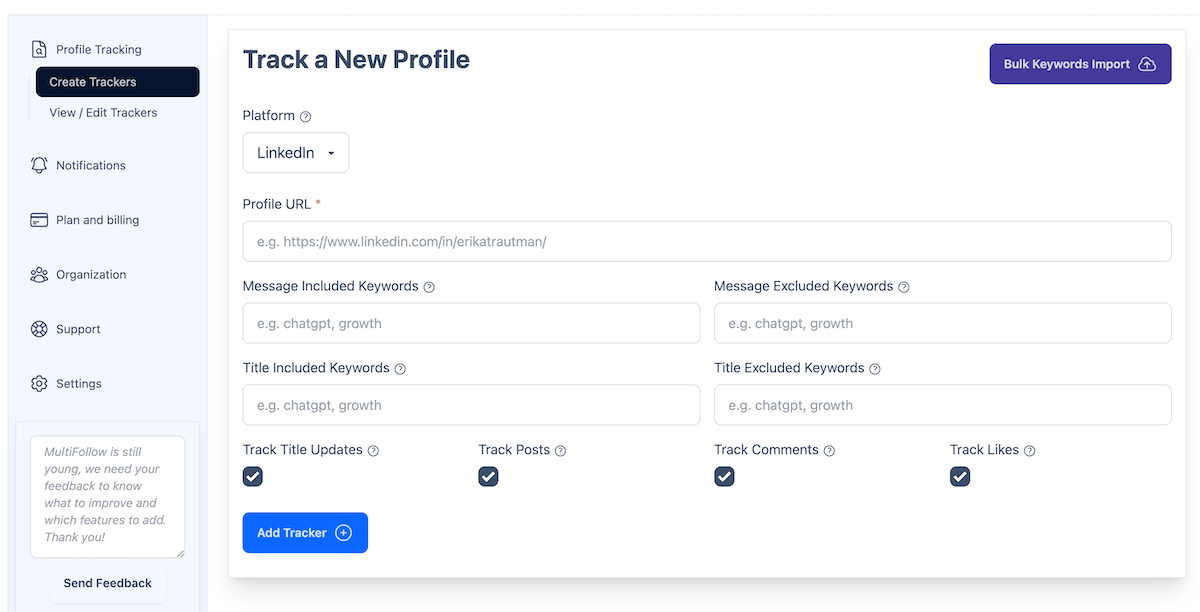
2. Open Bulk Import (same flow described in the bulk docs).
3. Choose your CSV.
4. Optionally enable Override existing alerts only if you mean to replace current trackers. Leave it off for an additive import.
5. Click Import. On success, new trackers are active immediately.
If a row fails, fix the URL or boolean, re-export, and import again without override so you do not wipe the good rows.
Step 4. Prove one signal, then widen the list
1. Keep email on for the first day so you see a real post or comment land.
2. Send a test webhook from the dashboard if you filled api webhook url or the account-level webhook. Map fields in Clay the same way as in Clay templates for sales signals.
3. Spot-check three trackers: a Linkedin person (comments on), a Linkedin company (posts only), and an X handle.
4. Only then import the rest of the quarter's shortlist, or grow the CSV in batches of 25.
Common mistakes
Using linkedin.com/company/... rows with track comments or track likes true. Those flags do nothing useful on company pages. Set them false.
Turning likes on for every person on day one. Likes bypass keyword filters. Start with posts and comments.
Putting twitter platform with a linkedin.com URL, or the reverse. Platform and URL must match.
Expecting bulk import on Free or Essential. Upgrade first, or paste manually until the list is small enough to live without CSV.
Treating MultiFollow as the send button. The watchlist fires the signal. Outreach still happens in your sequencer, CRM, or inbox.
Quick checklist
1. Business+ plan, shortlist cleaned, URLs full and public.
2. CSV headers exact: platform, profile url, then optional flags and webhooks.
4. Keyword and per-tracker webhook columns filled where you already know the destination.
5. Import without override, verify three trackers, then widen.
Frequently asked questions
Do I need Business to bulk-import?
Yes. Bulk CSV import is on Business and above, with Slack, API webhooks, REST API, MCP, and team features. Free and Essential create trackers one by one and deliver by email only.
Can one CSV mix Linkedin people, company pages, and X?
Yes. Set platform per row (linkedin or twitter) and use the matching URL format. Adjust activity flags per row so company pages stay posts-only.
What does Override existing alerts do?
When enabled, the import replaces your current trackers with the file. Leave it off for a normal additive import. Confirm the label in the UI before you click.
Can I set different Clay tables or Slack channels per row?
Yes on Business+. Fill api webhook url or slack webhook url on each row. Those override the account-level webhook for that tracker.
Does bulk import track job changes?
No. MultiFollow watches posts, comments, and Linkedin likes on the URLs you provide. It does not detect employment changes.
Get started
Create a free account at multifollow.io, prove one Linkedin person on email, then move to Business when the CSV is ready. Paste the file, keep keyword filters tight, and route only the signals you will act on the same day.
 MultiFollow.io